1. Start with your real constraint
Budget, room size, daily usage, compatibility, privacy, portability, family use, and maintenance friction are better starting points than vague “best” searches.

Buyer help
Start with what you need, use a decision tool where fit or setup matters, choose a useful guide, read how it was reviewed, then confirm final retailer or provider details before purchase.
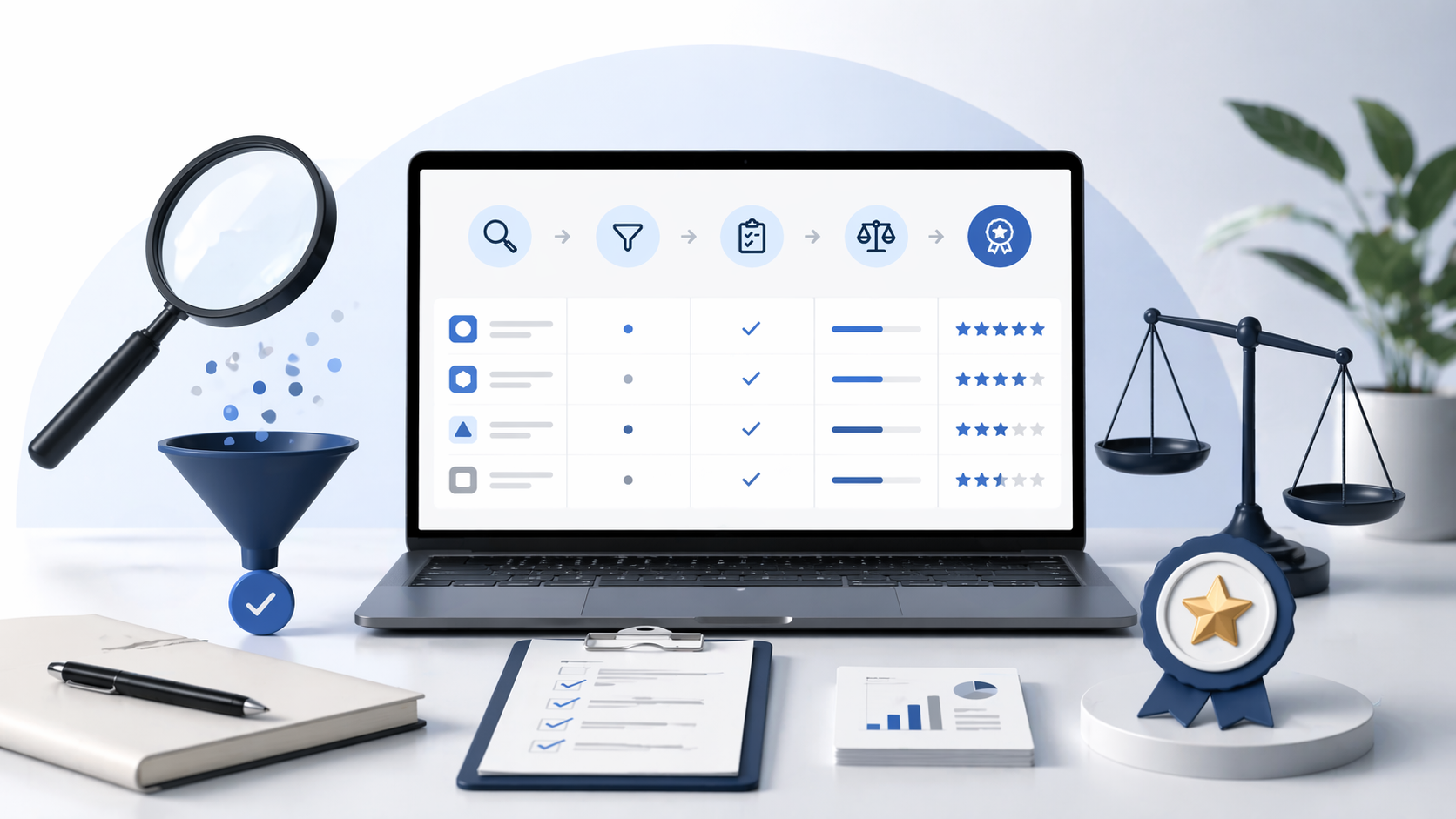
Budget, room size, daily usage, compatibility, privacy, portability, family use, and maintenance friction are better starting points than vague “best” searches.
A tool is useful when you first need to work out which specifications and constraints matter, such as power-bank wattage and travel use, office-chair fit or dash-cam setup.
A category page shows the main comparison, lower-cost options, specialist guides, how we choose and related pages before you commit.
Do not only read the lead pick. Budget, all-rounder, premium, and specialist roles exist because different buyers need different trade-offs.
See what information supports the page and what was not tested or verified. Those limits can affect your decision.
Prices, stock, warranty, delivery, returns, subscription terms, and product specifications can change after a shortlist is updated.
Use decision tools when fit, setup or compatibility needs to be clear before you compare products. Current tools cover portable power, office-chair fit and dash-cam setup.
Tools provide a useful starting point. They do not replace checking compatibility, safety, airline, medical, legal, insurance, retailer or provider details yourself.
Use Before you buy when the shortlist is useful but you still need to check compatibility, running costs, seller terms or returns.
It is a decision checkpoint, not a live deal feed, safety certification, provider comparison result, or ranking override.
Use search when you know the problem but not the page name. For example: “budget robot vacuum”, “travel power bank”, “office chair for long sessions”, or “VPN for privacy”.
If search does not return the right guide, browse the categories or ask us to cover it.
Use Request a Guide or Update if a guide is missing, a shortlist looks stale, a seller link appears wrong or a correction would help other readers.
We read every request and use it to correct mistakes, refresh stale pages and decide which guides would help readers most.
Use categories when you want a broader view: the main comparison, lower-cost choices, specialist guides, how we choose and related products.
This is usually the better place to start when you are not sure whether budget, performance, comfort, compatibility or ease of ownership matters most.